Key takeaways
- Google ranks local results on three things: relevance, distance and prominence. You can’t move your address, so the work goes into the other two.
- Your Google Business Profile is the most important local asset you own. Choose the right primary category and keep every detail complete and current.
- Your website has to back up your profile: one clear page for each service and each area you serve, with the same name, address and phone number everywhere.
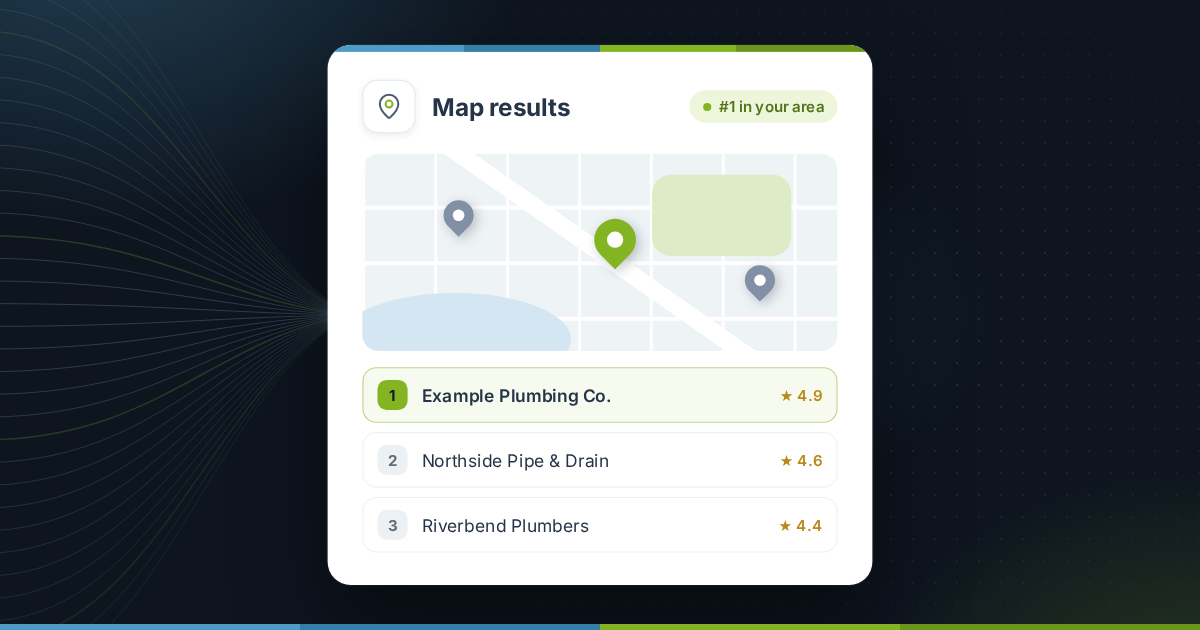
When someone searches for “plumber near me” or “accountant in Austin”, Google shows a map with three businesses before any ordinary search results. For a local business, being one of those three is often worth more than any other position on the page.
Local SEO is the work that gets you there. Most of it is free, and most of it you can do yourself. This checklist covers it in the order that usually pays off fastest.
How Google decides who shows up locally
Google says local results are based mainly on three factors:
| Factor | What it means | What you can do |
|---|---|---|
| Relevance | How well your business matches the search | Accurate categories, services and page content |
| Distance | How far you are from the searcher, or the place they name | Very little, beyond listing every area you serve |
| Prominence | How well known and trusted your business is | Reviews, mentions, links and a strong website |
Everything on this checklist improves relevance or prominence.
Step 1: Get your Google Business Profile right
If you only do one thing from this guide, do this. Claim and verify your profile, then work through every field:
- Primary category: the single most specific category for what you do. “Emergency plumber” beats “Contractor” if that is your main service.
- Secondary categories: add the other services customers search for, but only ones you actually offer.
- Business name: your real trading name. Adding keywords such as “Best Plumber Austin” breaks Google’s guidelines and can get the profile suspended.
- Address or service area: show your address if customers visit you. If you travel to them, set a service area instead.
- Hours: include holiday hours. Wrong hours are one of the fastest ways to lose a customer and earn a bad review.
- Services and products: list each one with a short, plain description.
- Photos: real photos of your work, team, premises and vehicles. Keep adding new ones over time.
Step 2: Make your name, address and phone number match everywhere
Your business name, address and phone number (often shortened to NAP) should be identical on your website, your Google profile and every directory that lists you. Small differences such as “Suite 4” against “#4”, or an old phone number, make it harder for Google to be sure all those listings are the same business.
- Write down the exact version you will use everywhere.
- Put it in your website footer and on your contact page.
- Search for your business name and old phone numbers, and correct every listing you find.
- Start with the big ones: Apple Business Connect, Bing Places, Facebook, Yelp and the main directory for your industry.
Step 3: Build a website that backs up your profile
Your profile links to your website, and Google reads it to check what you do and where. A strong local website has:
- One page per main service. A single “Services” page listing ten things is weaker than ten focused pages.
- Pages for the areas you serve, but only where you have something specific to say: local projects, photos, travel times or local regulations. Pages that only swap the town name are thin content and rarely help.
- Your NAP and a map on the contact page.
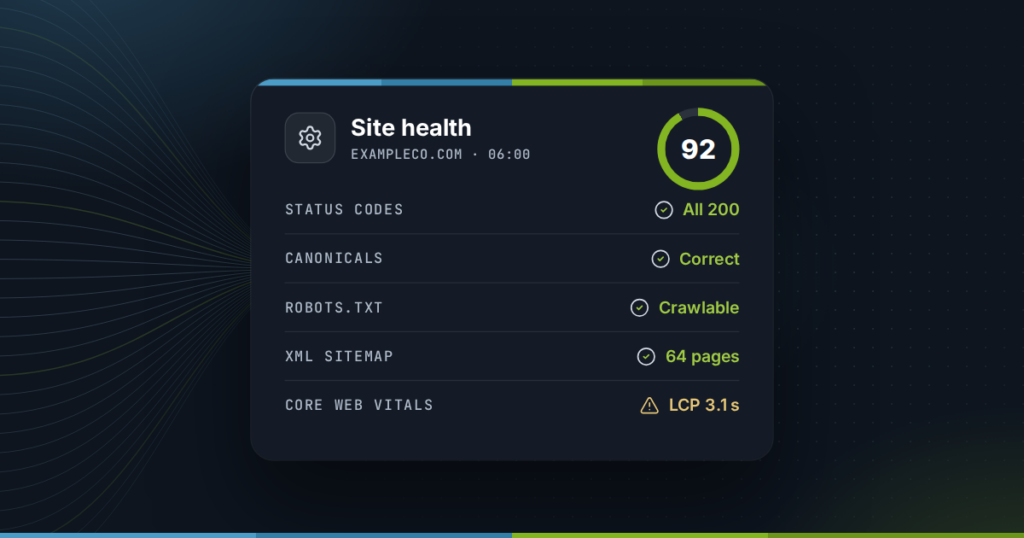
- LocalBusiness structured data, so search engines can read your details reliably. Our free schema markup generator builds it for you.
- A fast, phone-friendly layout. Most local searches happen on phones, often on the move.
Step 4: Earn reviews steadily, and answer every one
Reviews affect both your ranking and whether people choose you once they see you. What matters is a steady flow of genuine reviews, not a burst once a year.
- Ask at the right moment: straight after a job goes well, while the customer is still pleased.
- Make it one tap: send the direct review link from your Google profile by text or email.
- Reply to every review, good or bad, within a few days. A calm, specific reply to a bad review often reassures new customers more than another five-star one.
- Never buy reviews or offer rewards for them. It breaks Google’s rules and, in the US, the FTC’s rules on fake reviews.
Step 5: Get mentioned locally
Prominence grows when other local organizations mention and link to you. Good sources are usually ones you already have a relationship with:
- Your chamber of commerce and trade associations
- Suppliers and manufacturers with “where to buy” or installer pages
- Local sponsorships, charities and events
- Local news coverage of something genuinely newsworthy you did
Step 6: Measure what matters
Track a few numbers every month so you know what is working:
- Profile performance: calls, direction requests and website clicks, shown in your Google Business Profile.
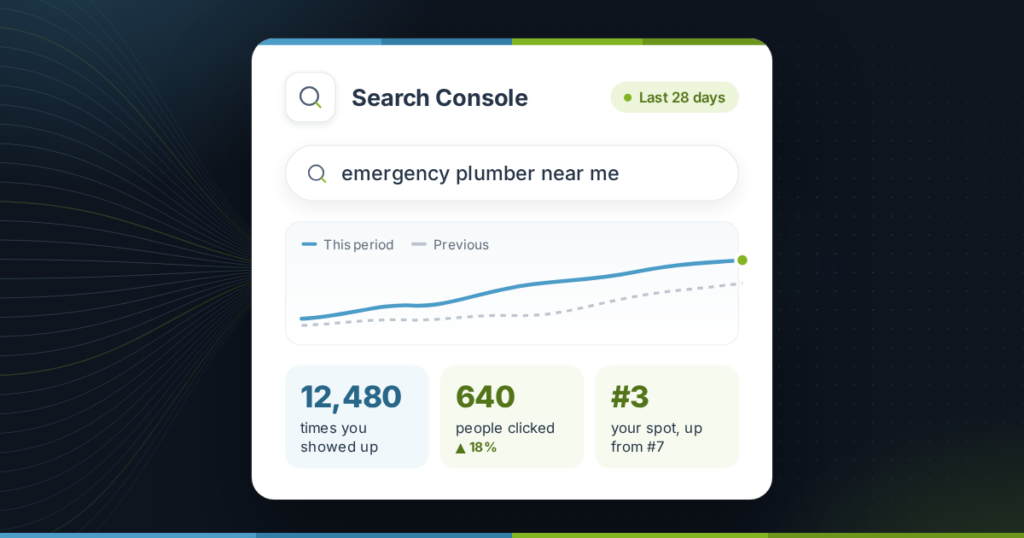
- Local searches: clicks and impressions for searches that include your service and town, from Google Search Console.
- Map rankings: where you appear for your main searches in different parts of your service area. Results change from street to street, so a single check from your office is misleading.
- Leads: calls and form enquiries that mention finding you on Google.
Local SEO checklist
- Claim and verify your Google Business Profile.
- Choose the most specific primary category, then add relevant secondary ones.
- Complete hours, services, description and photos.
- Use one exact name, address and phone number everywhere.
- Correct the main directory listings.
- Create a page for each main service, and area pages only where you have real local detail.
- Add LocalBusiness structured data.
- Ask every happy customer for a review, and reply to every review.
- Earn mentions from local organizations you already work with.
- Check calls, clicks and map rankings once a month.
Frequently asked questions
How long does local SEO take?
Fixing your Google Business Profile and listings can show results in a few weeks. Gaining ground in a competitive area, through reviews, content and mentions, usually takes several months of steady work.
Do I need a physical address to rank locally?
No. Service-area businesses that travel to customers can hide their address and set a service area instead. You do need a real business location for verification. A virtual office or PO box is not allowed.
Do I need a separate page for every town I serve?
Only where you can say something specific about that town. A handful of genuinely useful area pages works better than dozens that only swap the town name.
Can I do local SEO myself?
Yes. Almost everything on this checklist is free and needs no technical skill. The hard part is consistency: asking for reviews, adding photos and keeping details current every month.
Why does my business show up for me but not for customers?
Local results depend heavily on where the searcher is. From your office you are as close as anyone can be. Check your rankings from different parts of your service area to see what customers actually see.