Key takeaways
- You can do most small-business SEO yourself with free Google tools and two to four hours a week.
- Start with what you already have: pages that already appear in search but get few clicks are the fastest wins.
- Keep to a weekly routine. Small, steady improvements beat a big overhaul once a year.
You don’t need an agency or an expensive tool to start doing SEO. Most of what moves the needle for a small business can be done with free Google tools, a bit of time and a clear order of work.
This guide covers that order of work: the free tools to set up, the jobs that pay off first and a weekly routine you can keep up. It also says where doing it yourself stops making sense.
Set up the free tools first
Three free Google tools give you almost all the data you need. Set them up once and they collect data in the background.
| Tool | What it tells you | Setup time |
|---|---|---|
| Google Search Console | Which searches show your pages, how often people click, and any indexing problems | About 15 minutes |
| Google Analytics 4 | What visitors do on your site, and which pages lead to enquiries | About 30 minutes |
| Google Business Profile | How local customers find and contact you | About 30 minutes, plus verification |
The 7 DIY SEO jobs, in the order that pays
Work through these in order. The early ones are quick and improve pages Google already shows. The later ones build on them.
1. Check that Google can see your pages
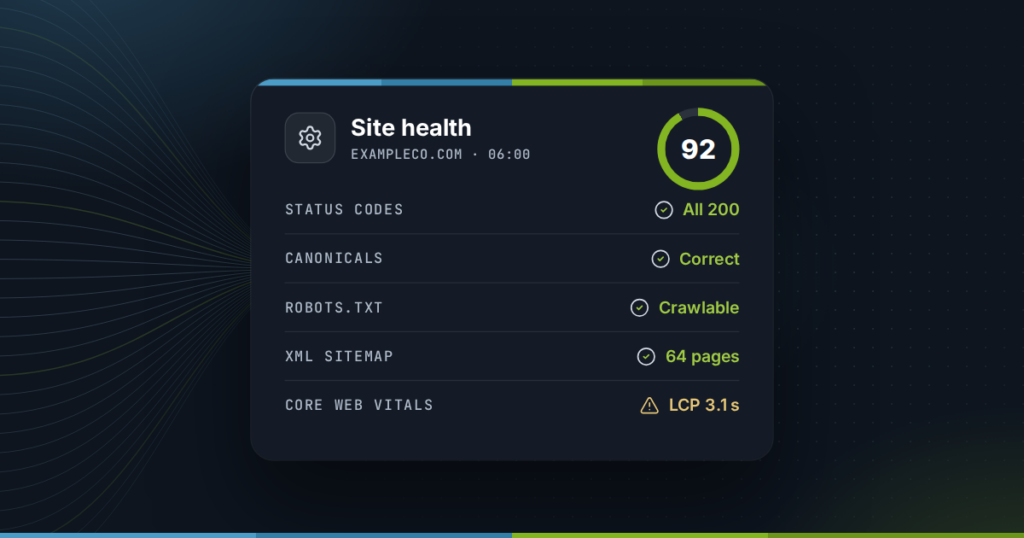
In Search Console, open the Pages report and look at why pages are not indexed. A page that is not indexed cannot rank, however good it is. Common causes are a stray “noindex” tag, a page blocked in robots.txt, or redirect chains. Our free robots.txt checker and redirect checker help you find the cause.
2. Fix titles on pages that get seen but not clicked
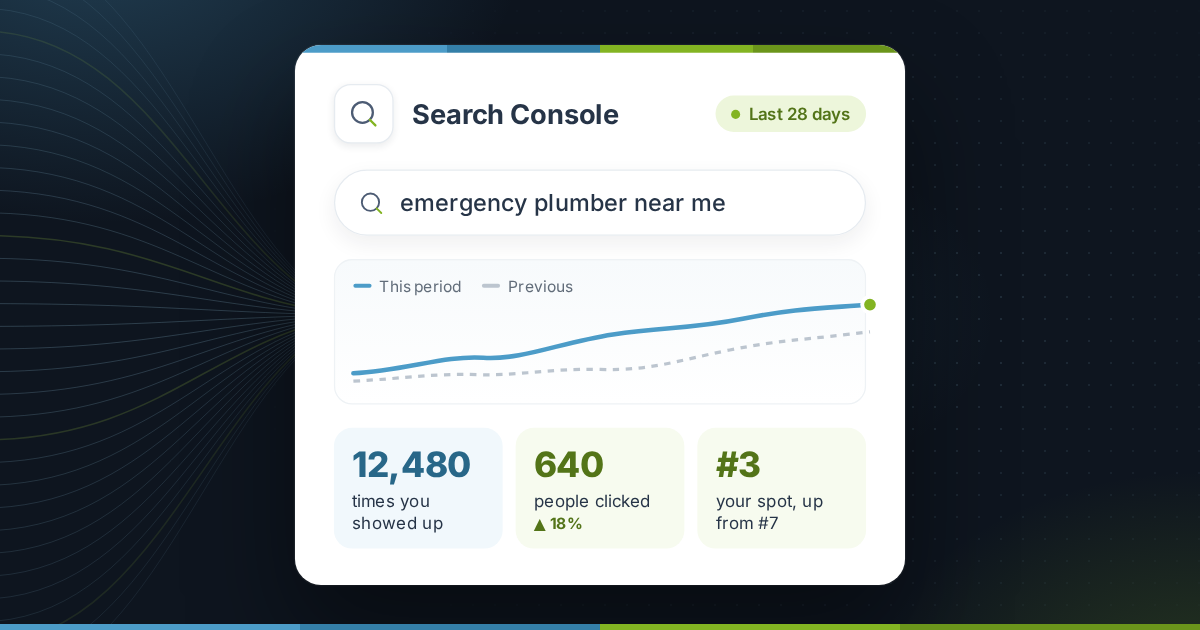
This is usually the fastest win. In Search Console’s Performance report, sort pages by impressions and look for ones with a low click-through rate. Google is already showing them, but the title and description aren’t persuading people to click.
- Put the main search phrase near the start of the title.
- Say what the visitor gets: a price, a location, a guide, a free quote.
- Keep titles under about 60 characters so they aren’t cut off.
- Preview the result with our free SERP snippet preview before you publish.
3. Improve pages ranking just off page one
In the same report, filter for queries where your average position is between about 8 and 20. These pages are close. Adding a clear answer, a missing section, better examples or an FAQ often moves them up without writing anything new.
4. Give every main service its own page
If one page covers everything you do, each service is competing for attention on the same page. A focused page for each main service, with its own title, description and photos, gives Google a clear answer for each search.
5. Link your own pages together
Link from your home page and your most visited pages to the services that matter most, using descriptive link text such as “emergency boiler repair” rather than “click here”. It helps visitors, and it shows Google which pages are important.
6. Make the site quick on phones
Most small-business searches happen on phones. Check your key pages in PageSpeed Insights. The usual culprits are oversized images, too many plugins and heavy sliders at the top of the page.
7. Publish one genuinely useful page a month
Answer a question customers actually ask you, in more depth than anyone else nearby. “How much does a new roof cost in Denver?” from a Denver roofer beats a generic article every time. The questions you hear on the phone are your best keyword research.
A weekly routine you can keep up
Consistency matters more than intensity. This routine takes about two to four hours a week:
- Monday, 15 minutes: check Search Console for new errors and any sudden drop in clicks.
- Midweek, 1 to 2 hours: improve one existing page (job 2 or 3 above).
- Later in the week, 1 hour: work on one bigger item: a new service page, a speed fix, or the monthly article.
- Friday, 15 minutes: ask recent customers for reviews and reply to new ones.
Keep a simple log of what you changed and when. When clicks rise or fall six weeks later, you’ll know why.
When DIY stops making sense
Doing it yourself is the right call while the work fits into a few hours a week. Get help when:
- The routine keeps slipping because the business is busy. That is a good problem, but it means the work isn’t happening.
- You are moving to a new website or domain. Migrations are where DIY SEO most often goes badly wrong.
- Traffic falls sharply and the cause isn’t obvious from Search Console.
- You compete in a crowded market where steady effort alone isn’t moving you.
Frequently asked questions
Can a beginner really do SEO?
Yes. The most valuable jobs, such as fixing titles, improving existing pages and keeping your Google Business Profile current, need no technical skill. Start with the free tools and the first three jobs in this guide.
How long does DIY SEO take to work?
Title and content improvements to pages Google already shows can lift clicks within a few weeks. New pages and competitive searches usually take several months.
Do I need paid SEO tools?
Not to start. Google Search Console shows the searches you already appear for, which is the most useful data for a small business. Paid tools help most with competitor research and tracking many keywords.
How many hours a week does SEO take?
About two to four hours a week is enough for most small businesses to make steady progress, as long as it happens every week.
Can ChatGPT do my SEO?
AI tools can help draft titles, outlines and answers. They can't see your Search Console data or know your customers, and unedited AI text tends to be generic. Use them for drafts, then add your own expertise and examples.